Why HyperCare Was Important in This Project
ERP implementation success extends beyond the go-live stage. The post go-live support phase at Vinyas Innovative Technologies played a vital role in stabilizing business operations and driving user adoption. It allowed the organization to:
- Receive immediate assistance for day-to-day system usage
- Fine-tune ERP features based on real-time operational feedback
- Minimize disruptions during the critical transition period
- Ensure the ERP system delivered tangible value from day one
Client Overview-

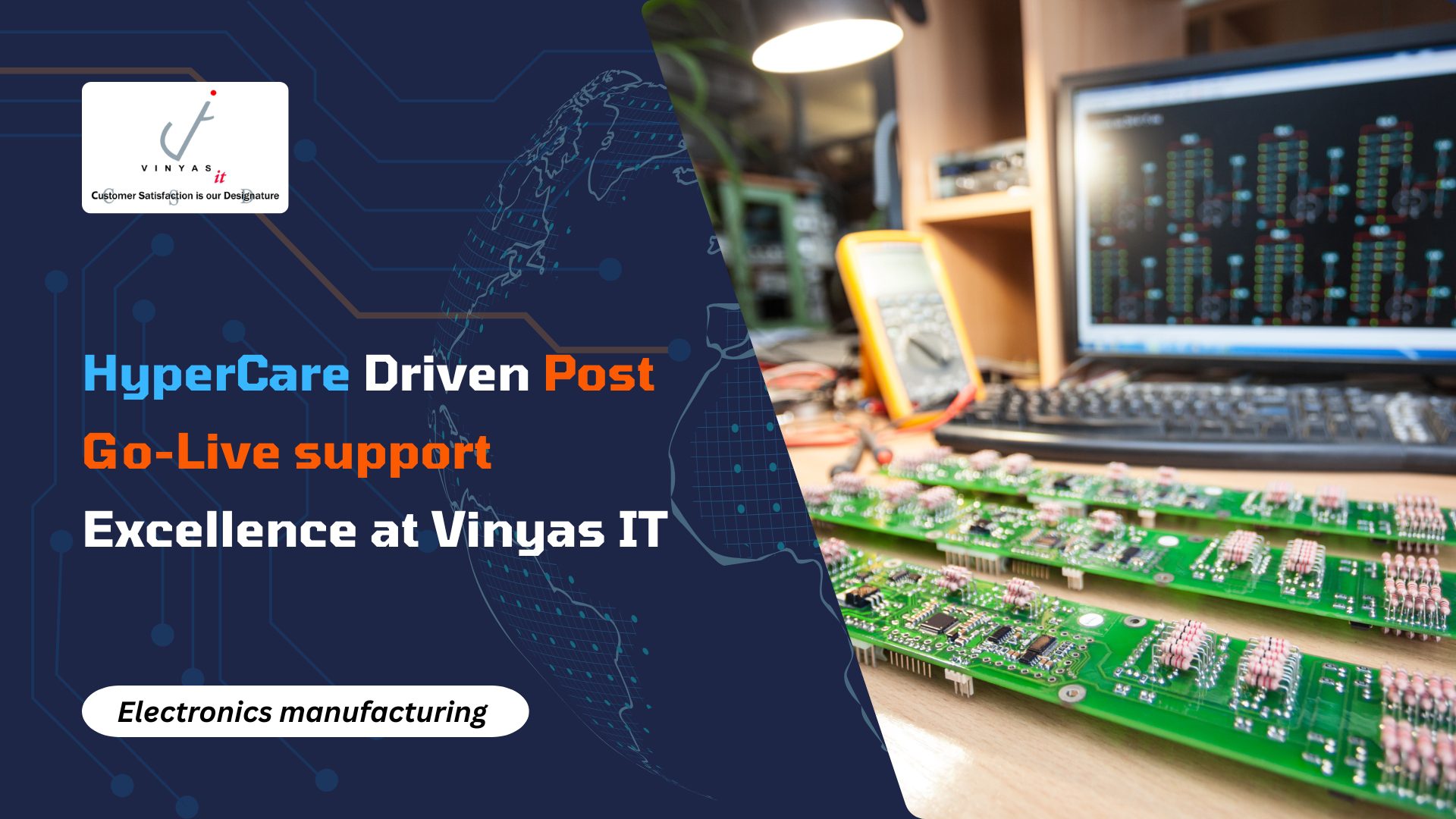
Vinyas is India’s leading electronic system design and manufacturing service company with its offerings ranging from concept to new product development, production engineering, PCB assembly, product integration, advanced test solutions, product management and aftermarket support. They offer flexible, Low/Medium/High Mix and Volume, High Complexity, Build-to-Specification solutions to facilitate substantial business value to our global customers.
Industry & Domain
Vinyas Innovative Technologies Limited operates in the Electronics Manufacturing Services (EMS) industry, providing design and manufacturing solutions for other companies. Its core domain is electronics system design and manufacturing, with a focus on serving Original Equipment Manufacturers (OEMs) and Original Design Manufacturers (ODMs) across various segments, including industrial, automotive, and defense.
Departments Automated Using ERPNext
● Purchase & Vendor Management
● Sales & Customer Management
● Inventory & Warehouse Management
● Accounting & Finance
● Manufacturing Management
The Challenges
During the early post-implementation period, the company faced several challenges that required careful attention and support:
- Transitioning users from manual to digital processes:
Many team members were used to working with manual methods, so adjusting to the new digital ERP workflows took time and guidance.
- Managing accurate inventory levels:
The inventory data was not always up-to-date, leading to situations where materials ran out unexpectedly or accumulated in excess, affecting planning and production.
- Streamlining manufacturing processes:
Some production activities were not yet fully aligned with the new system, which caused delays and made it difficult to maintain smooth and efficient operations.
- Adapting existing operations to ERP formats:
The company had well-established processes, and mapping these to ERP requirements needed careful configuration and user adaptation.
- Developing custom reports and workflow validations:
Specific business needs required customized reports and additional checks within workflows to ensure correct and reliable data entry.
- Providing immediate issue resolution and continuous assistance:
Users needed quick support when they encountered issues and regular guidance to gain confidence in using the new system effectively.
The Solutions
- Smooth transition from manual to digital processes:
We provided step-by-step training sessions and hands-on guidance to help users get comfortable with the new ERP system. This approach allowed the team to gradually adapt while continuing their daily work.
- Improving inventory accuracy:
We conducted a detailed review of existing inventory data and helped the team clean and update records. Regular stock checks and ERP-based tracking were introduced to maintain real-time accuracy.
- Enhancing manufacturing workflow alignment:
We worked closely with the production team to map their activities to the ERP process flow. Any gaps were identified and resolved, helping the manufacturing operations run more smoothly and without delays.
- Mapping existing processes to ERP standards:
Each department’s workflow was studied carefully, and the ERP settings were configured to match their actual working style. This ensured that the system supported their needs without disrupting ongoing operations.
- Developing customized reports and workflow validations:
Custom reports were created to provide clear visibility into key operational metrics. Additional validation rules were added to the workflows to ensure correct data entry and maintain information accuracy.
- Offering continuous support and quick issue resolution:
An on-call support process was established so users could get immediate help whenever needed. Regular follow-ups and refresher sessions were also provided to build user confidence and ensure smooth system usage.
Results & Impact:
Efficiency Improvement:
The client recommended a 70% efficiency target, stressing continual progress in processes,
reports, and hands-on execution.
Customer Satisfaction:
Satisfaction level recorded at 100%
Tickets Handled:
● Total Tickets Received: 204
● Total Tickets Resolved: 200
● Average Response Time: 2 Min 54 Sec
● Average Ticket Rating: ⭐⭐⭐⭐ (4/5)
Key Findings
1. User Adoption Improves with Hands-On Guidance
Many early challenges were not system issues but user comfort issues. Regular handholding, on-floor assistance, and scenario-based training significantly accelerated
adoption.
2. Inventory Accuracy Depends on Strong Data Discipline
The initial stock discrepancies highlighted the importance of clean data, consistent stock updates, and automated alerts for real-time accuracy.
3. Manufacturing Requires Deep Alignment With Real Processes
Mapping actual production workflows to ERPNext revealed gaps that needed careful configuration. This reinforced the need for detailed process studies in manufacturing and heavy projects.
4. Customization Must Complement Standard ERPNext Flows
Field-level tweaks, naming series updates, workflow validations, and custom reports worked best when aligned with standard ERPNext logic, ensuring stability and scalability.
Key Learnings for the Post Go-Live Support Team Going Forward
- Focus on early, role-based user training to reduce dependency and errors.
- Enforce data validation and clean masters from day one to avoid cascading issues.
- Understand real production workflows deeply before configuring Manufacturing Modules.
- Use minimal, business-driven customizations to keep the system stable and scalable.
Call to Action
Want the same confidence in your ERPNext setup?
Let’s talk about how the Post Go-Live support can support your journey.